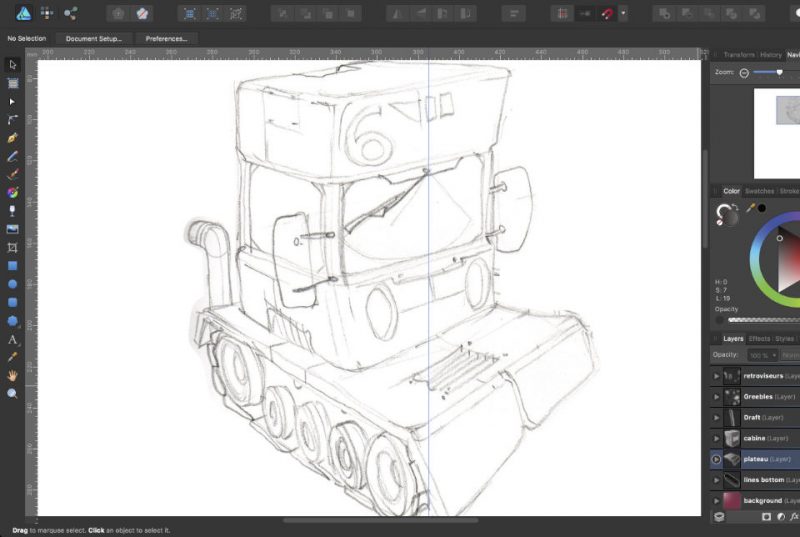
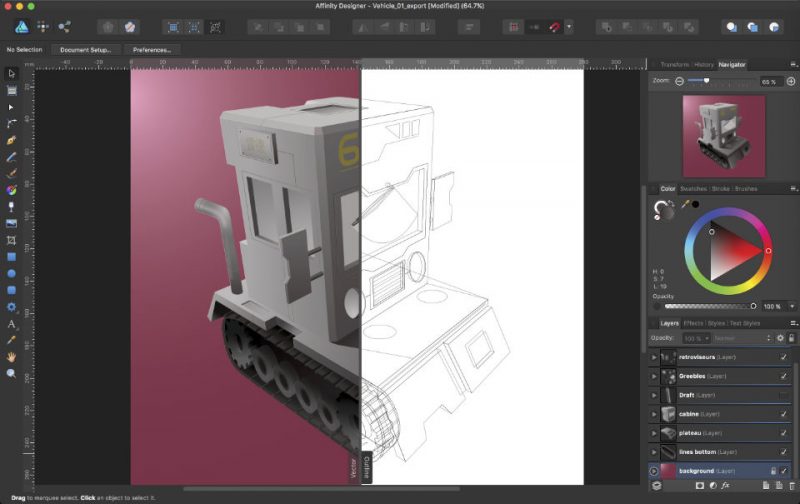
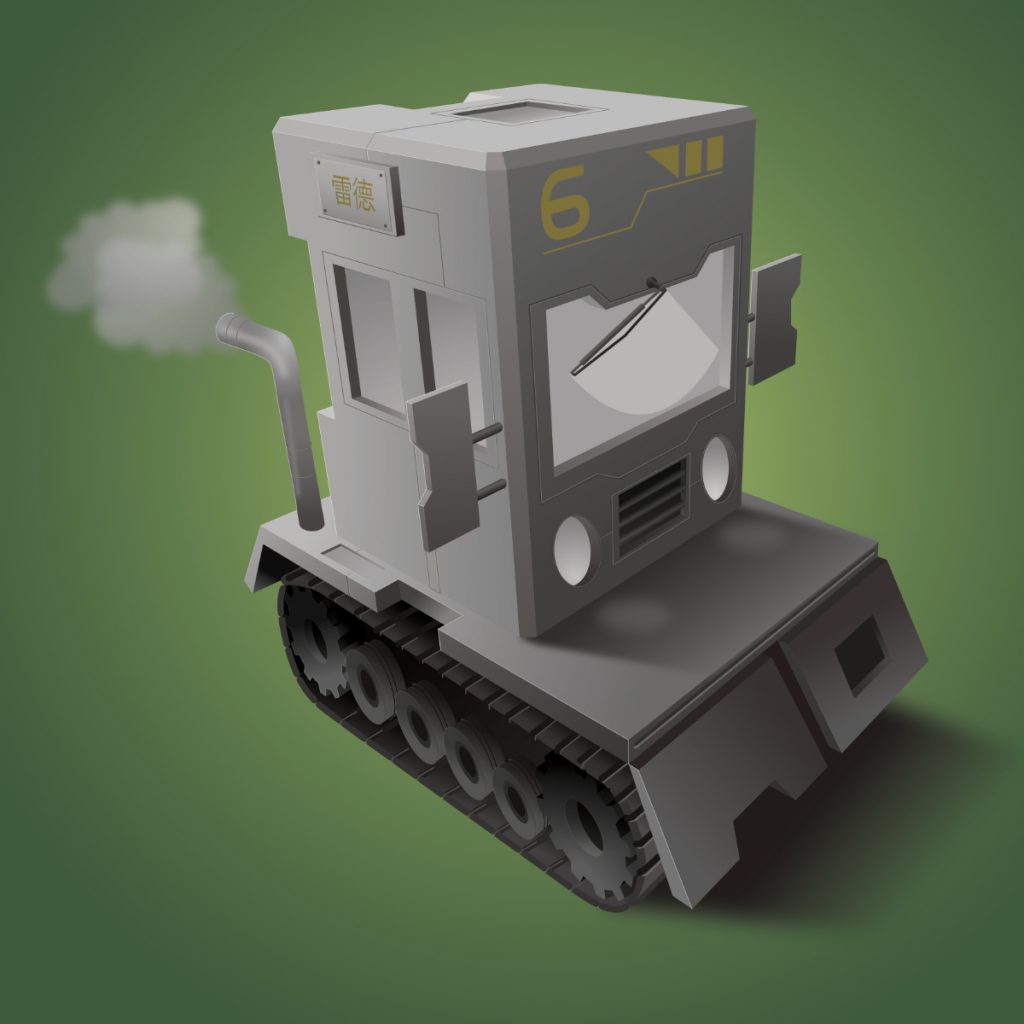
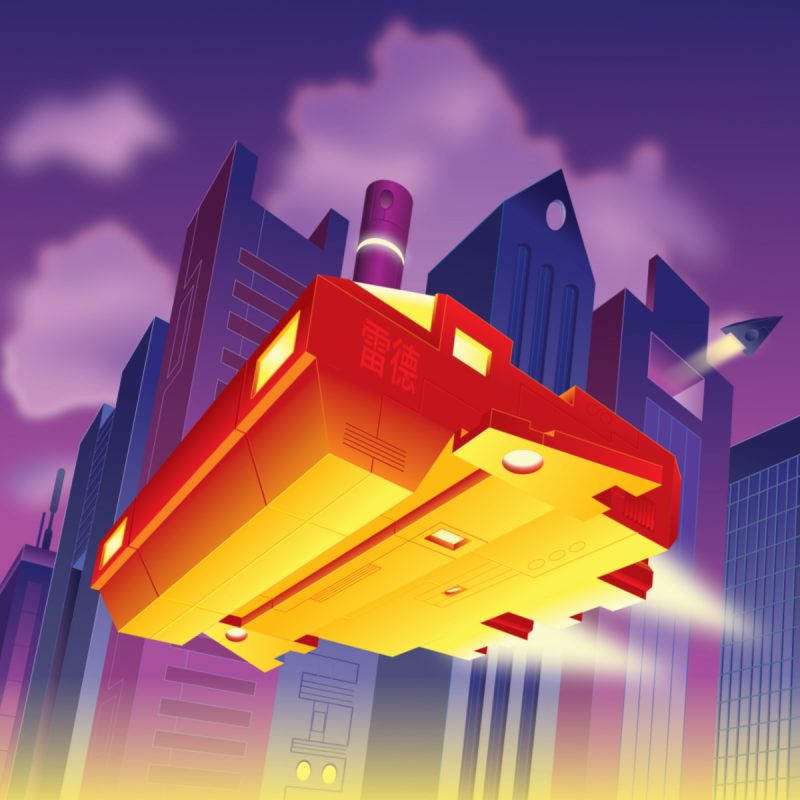
I finally found some free time to have fun, once again drawing a vehicle in Affinity Designer. The process is still the same : hand sketch then vector drawing. This one was a little bit tricky since I used a 3 points perspective.
the illustrations of Fred Lespine
I finally found some free time to have fun, once again drawing a vehicle in Affinity Designer. The process is still the same : hand sketch then vector drawing. This one was a little bit tricky since I used a 3 points perspective.
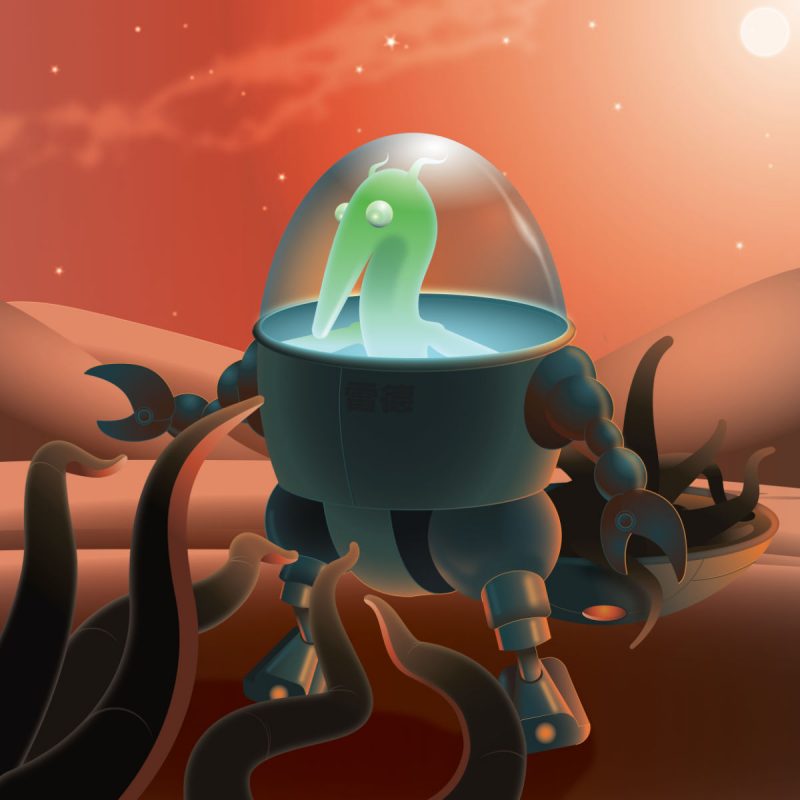
Last work done in Affinity Designer. I tried some organic touch although a vector illustration is not necessarily the most appropriate way to render it.
And yes, I think this guy is harvesting his cousins…
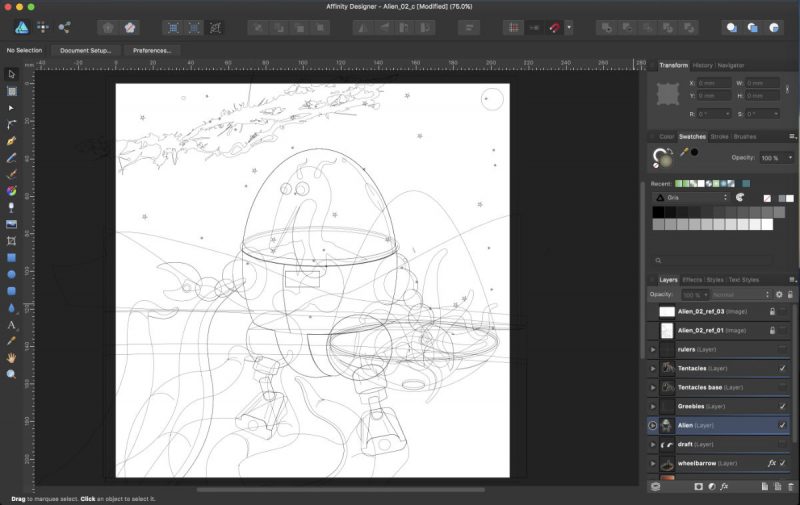
Here’s a mini WIP of my last illustration.
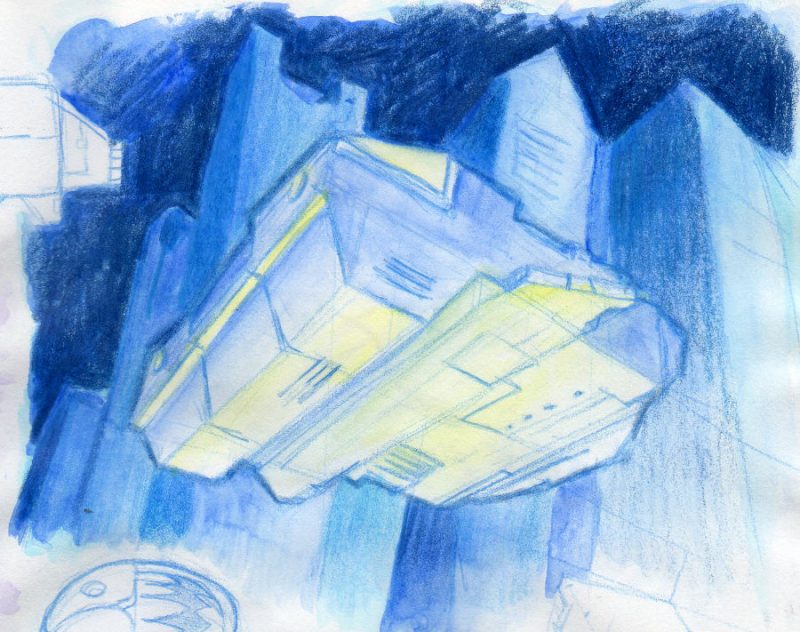
As always, everything started with a rough sketch that gave the global mood.
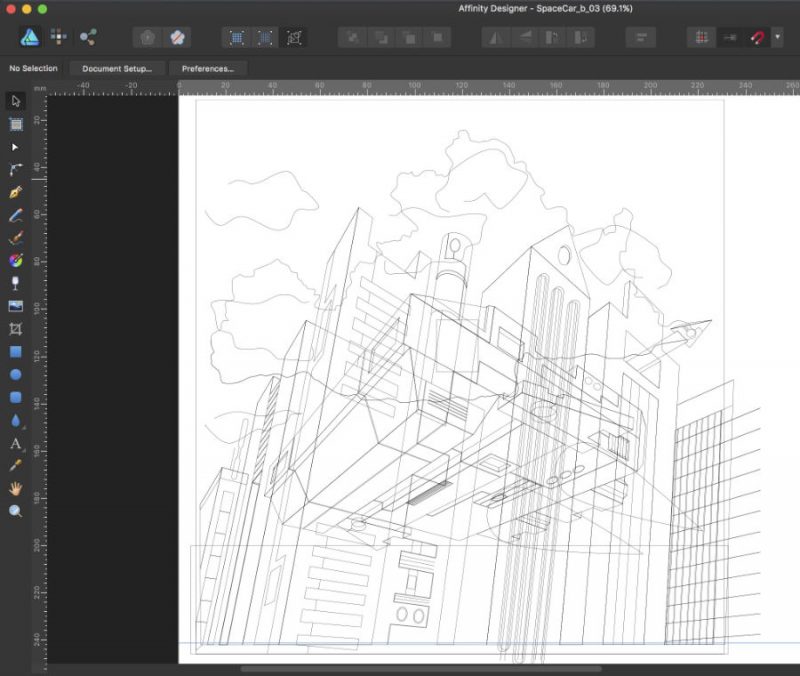
Then I build the image, using a little exaggerated perspective. I also add some details on the background like the small vehicle flying in the opposite direction of the main one. Since, unfortunately, Affinity Designer doesn’t currently have a warp tool, in order to follow the perspective, the Chinese text has been distorted in Affinity Photo and is rasterized.
Eventually I put the lights and colors on the scene, trying to be a little bit less boring than the initial sketch. The contrast helps to focus on the vehicle.
I usually start with different traditional sketches before making my digital illustrations (either vector or raster). I quickly draw the composition, global colors and general mood.
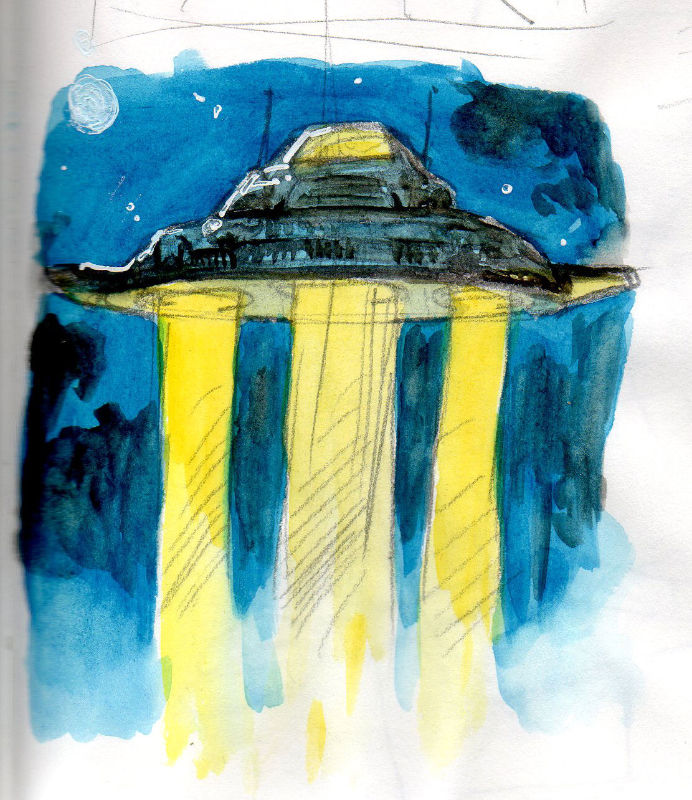
Then it’s time to build a cleaner (and somehow softer) version using Affinity Designer.
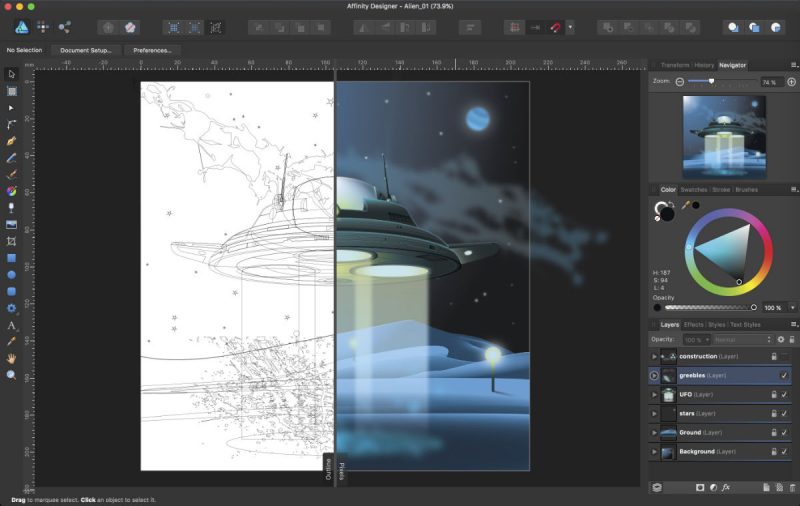
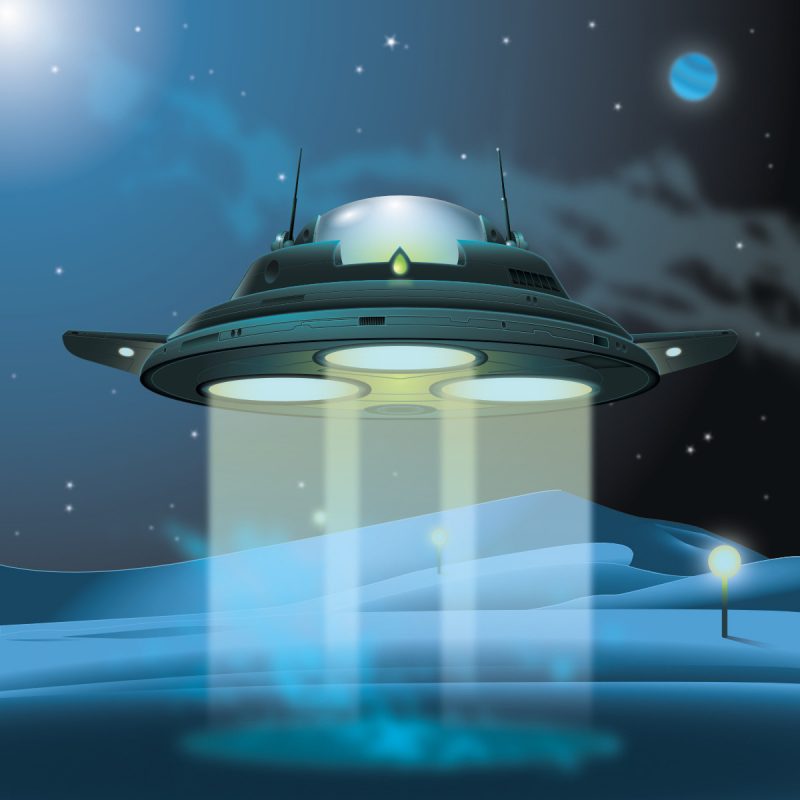
The final result :
This mini tutorial shows an adaptation of the “rubber band technique” in perspective for Affinity Designer users. It helps to quickly build a freestyle perspective drawing without too many visible construction lines that can sometimes be confusing.
This technique was used in my “old school” Sci-Fi scenes (e.g. here).
These 3 drawings were made in 2017. It all started with sketches inspired by some furniture designed by the Memphis Group that I turned into some kind of freaky (but not too scary) monsters.
All the digital painting part was done in Affinity Photo with an old Wacom Intuos 3 tablet. I used different brushes to mimic the traditional painting and gave a rough aspect to my creatures. The choice of the tool, Affinity Designer or Affinity Photo, depends on the mood that I want to give to my drawings (“clean” or “expressive”).


